
Delivery and distribution tracking
Review routes, stops and daily vehicle activity.
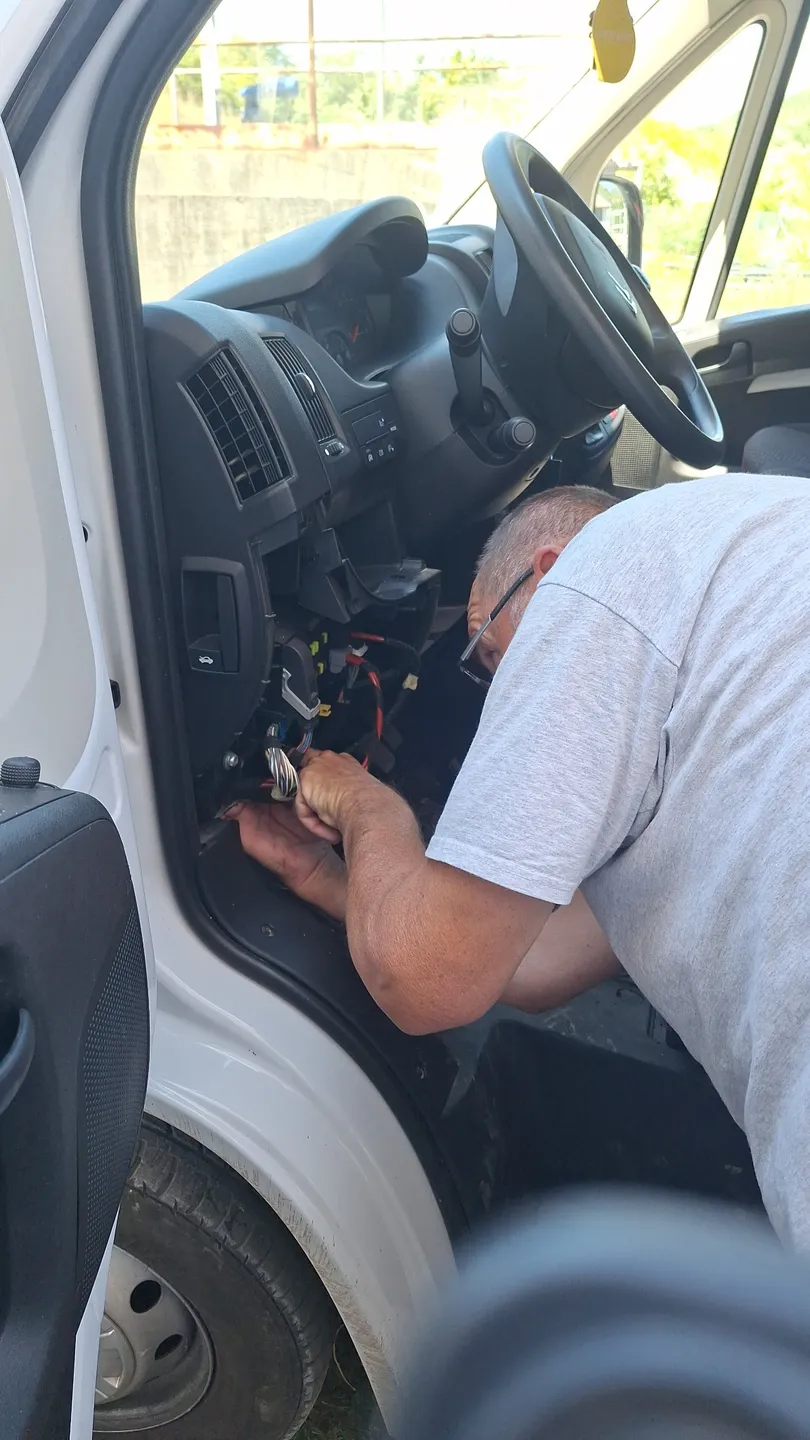
Equipment and connections
Select an image to enlarge.
Understand field operations
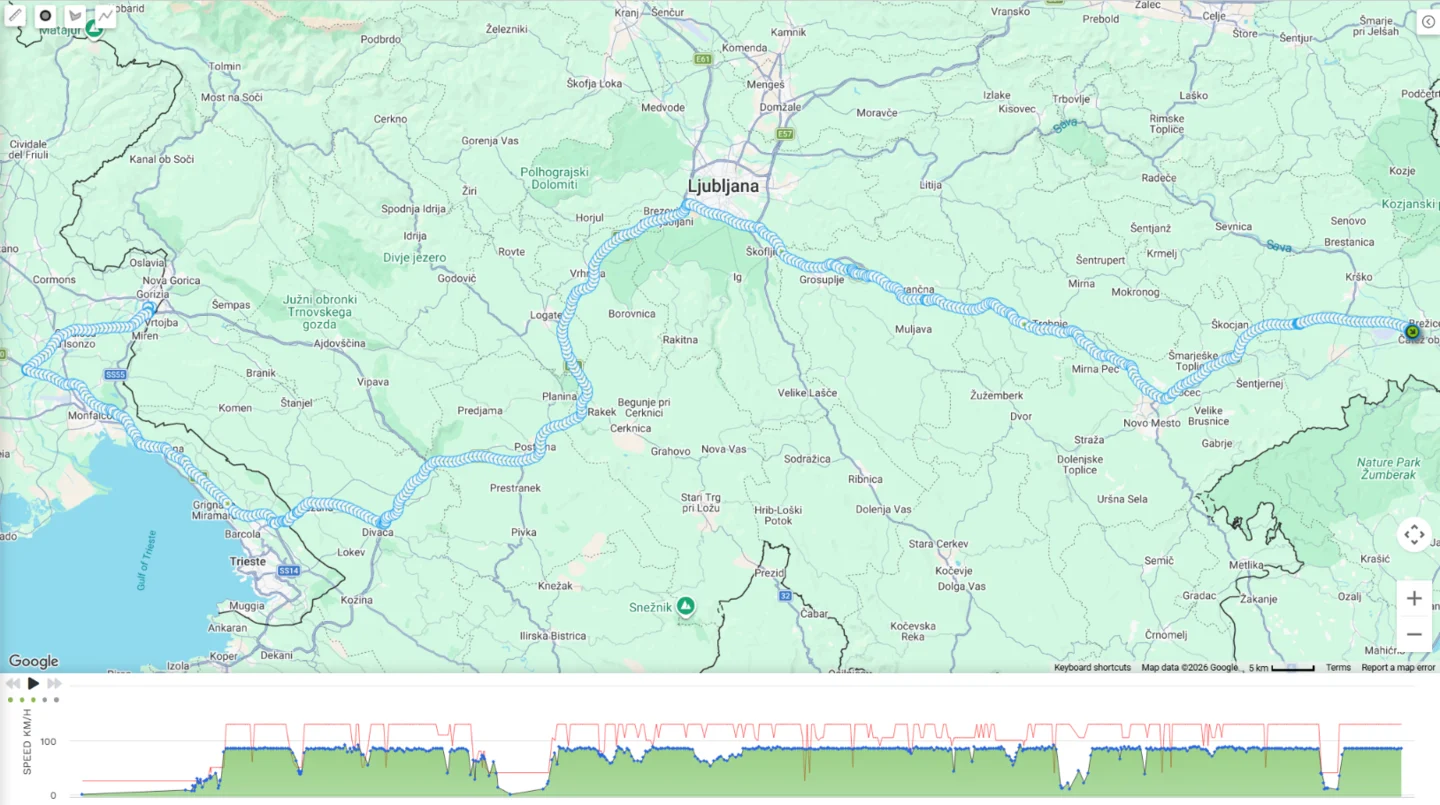
See where delivery vehicles are operating and review stops and routes. Location records help investigate delays and visits.
Planning and follow-up
Where enabled, planning and dispatch tools help compare scheduled stops with recorded activity. Available features depend on configuration.
Customer visits and estimated arrival times
Combine route and task planning with recorded vehicle movements. Supported alerts can highlight late arrivals, missed arrivals and customer visits, as well as estimated arrival times. Dispatchers can review deviations and adjust schedules; a stop is assessed alongside the details of the actual assignment.
Using connected data in practice
- Business task
Check planned customer visits.
- Connected data
Planned locations, stop history and supported alerts.
- User action
The dispatcher compares the plan with recorded visits and checks deviations in execution.
Delivery plan and stops
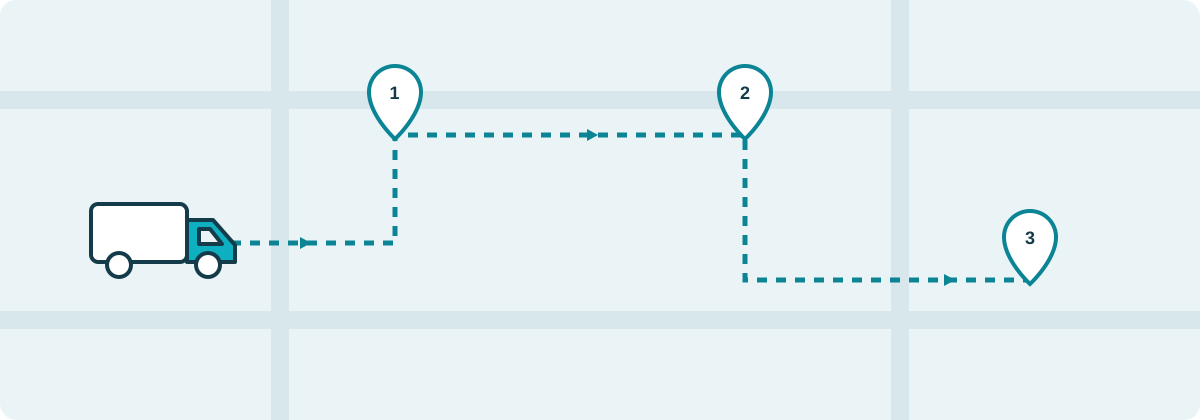
Dispatch — planning deliveries and collections
Maintain customers and their locations, create an order with one or more stops, and assign a vehicle, time and expected stop duration. Linked stops can be sequenced for completion by the same vehicle.
Planned and recorded activity together
The visual planner displays assigned stops on a map and timeline. Dispatchers compare the plan with recorded arrivals and stops, investigate differences and update the schedule.
Visit records and delivery documents
When enabled, a stop can include a document, photo or recipient signature through the supported driver app. Automatic visit completion depends on configured location and vehicle-state rules; vehicle presence alone is not proof of goods handover.
Configuration for your distribution work
Availability of Dispatch functions, reports and the driver app is confirmed in the quotation. Connections to other business systems and custom configuration are agreed separately.
Questions before choosing a service
Does a recorded stop prove goods were delivered?
No. A stop records vehicle presence; it does not by itself establish a handover. With enabled delivery-module functions, supported documents, photographs or signatures may be used. Availability of proof and the operating procedure are agreed separately.
Does the planner automatically choose the best route?
Destination planning and execution reviews should not be equated with automatic optimisation of every route. Available functions depend on the module and configuration. The dispatcher uses locations, time slots and expected stop duration to organise work and review deviations.
What should I prepare for a delivery module?
Prepare customer locations, vehicles, time slots and the required visit-confirmation method. Decide who assigns tasks and who checks execution. If data is held in another system, specify the required exchange; connections and custom configuration are confirmed in the quote.