
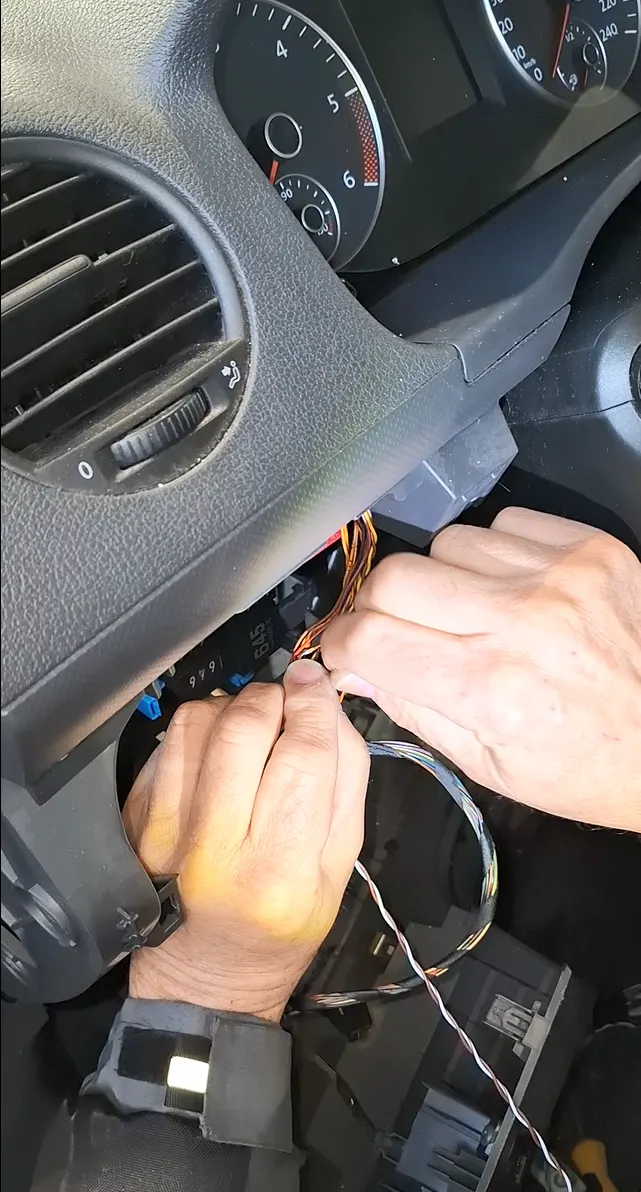
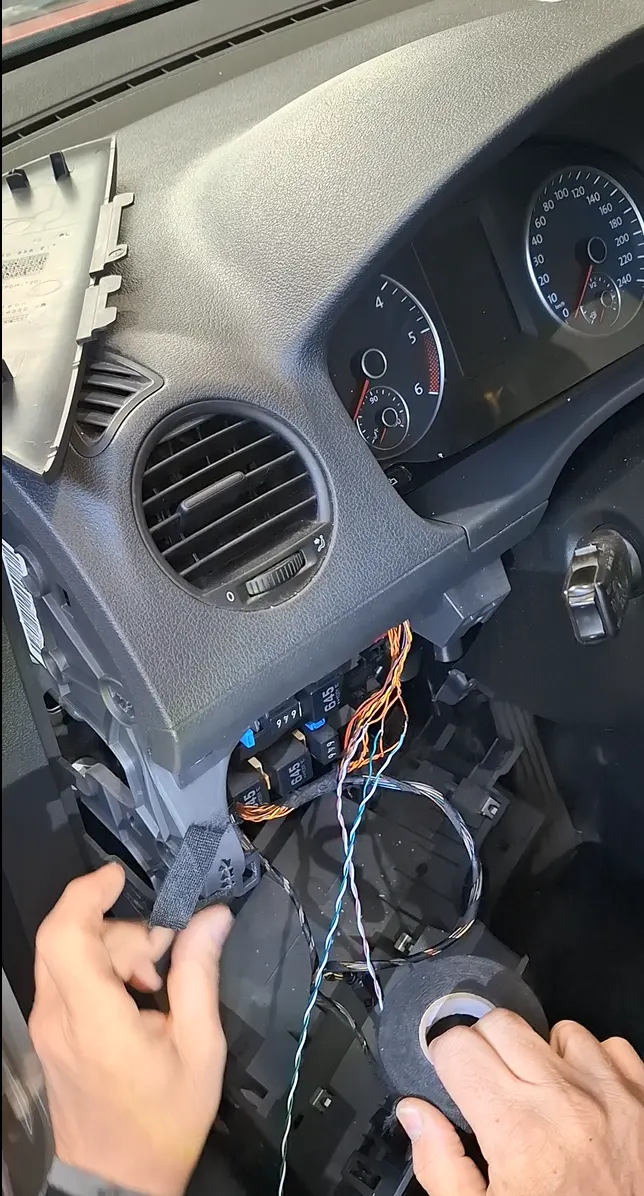
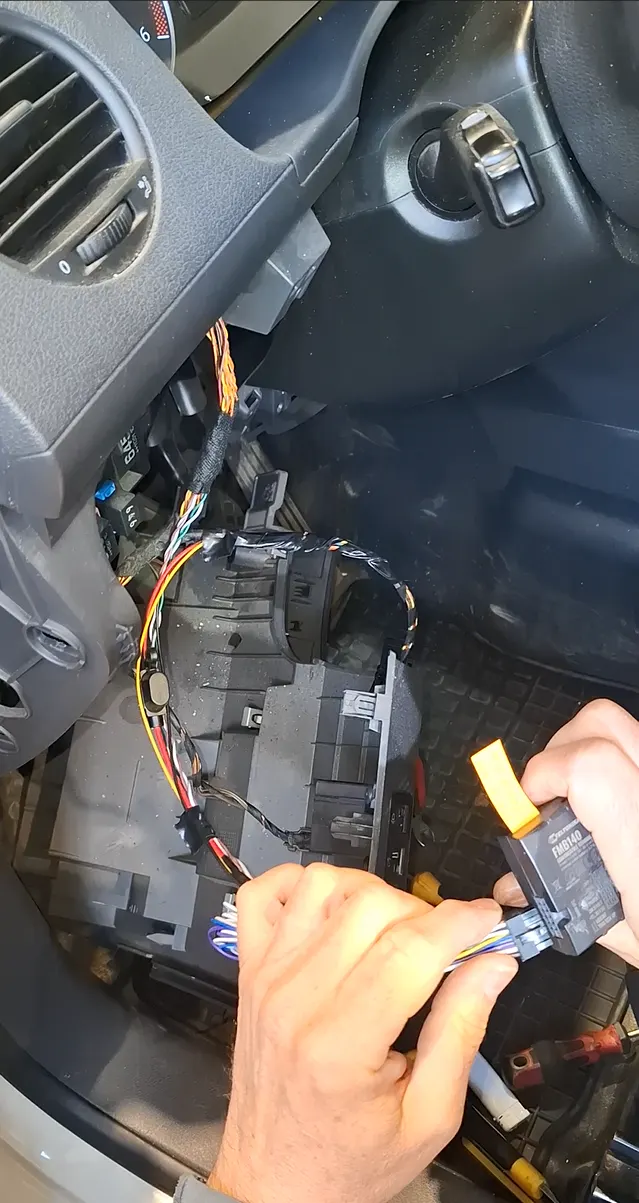
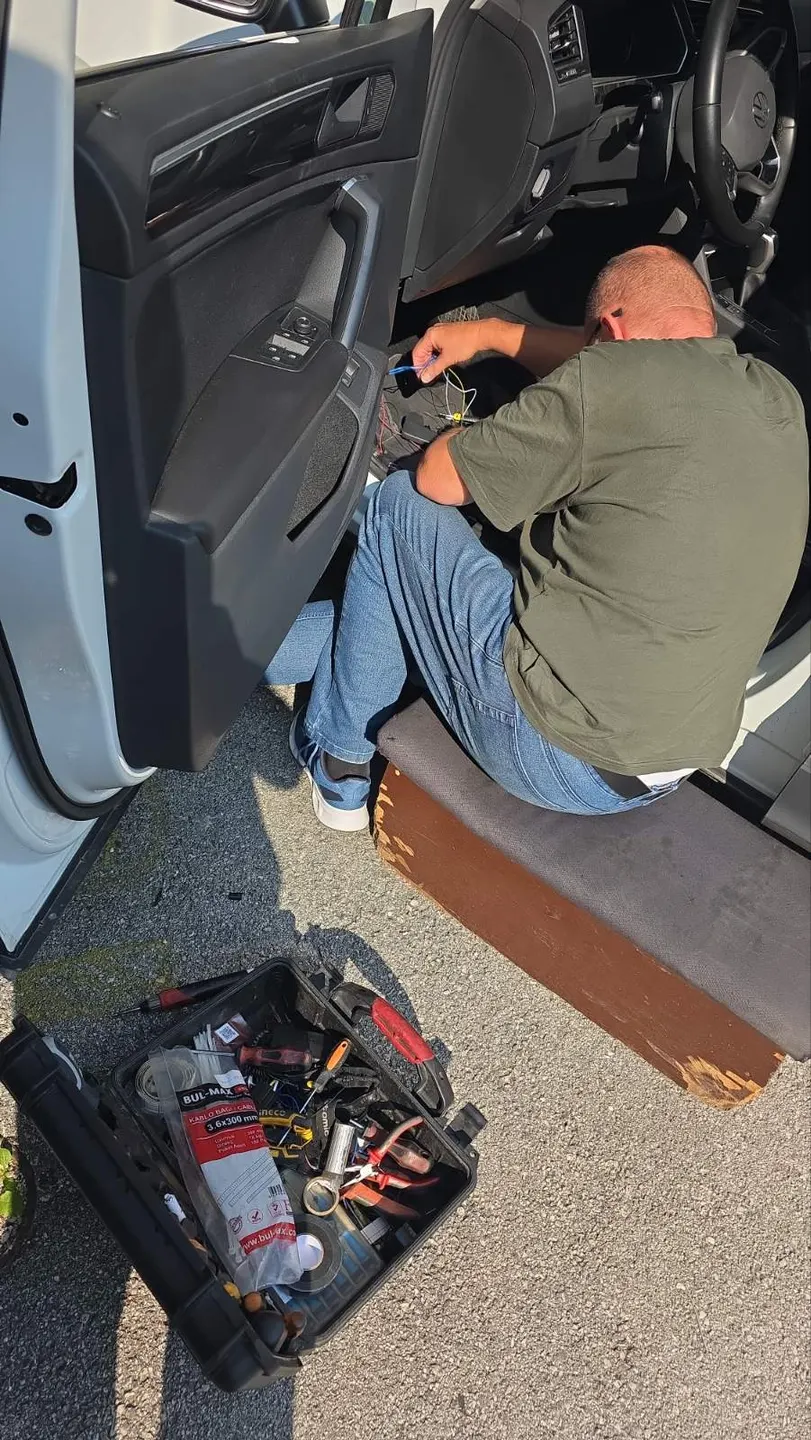
Equipment and connections
Select an image to enlarge.
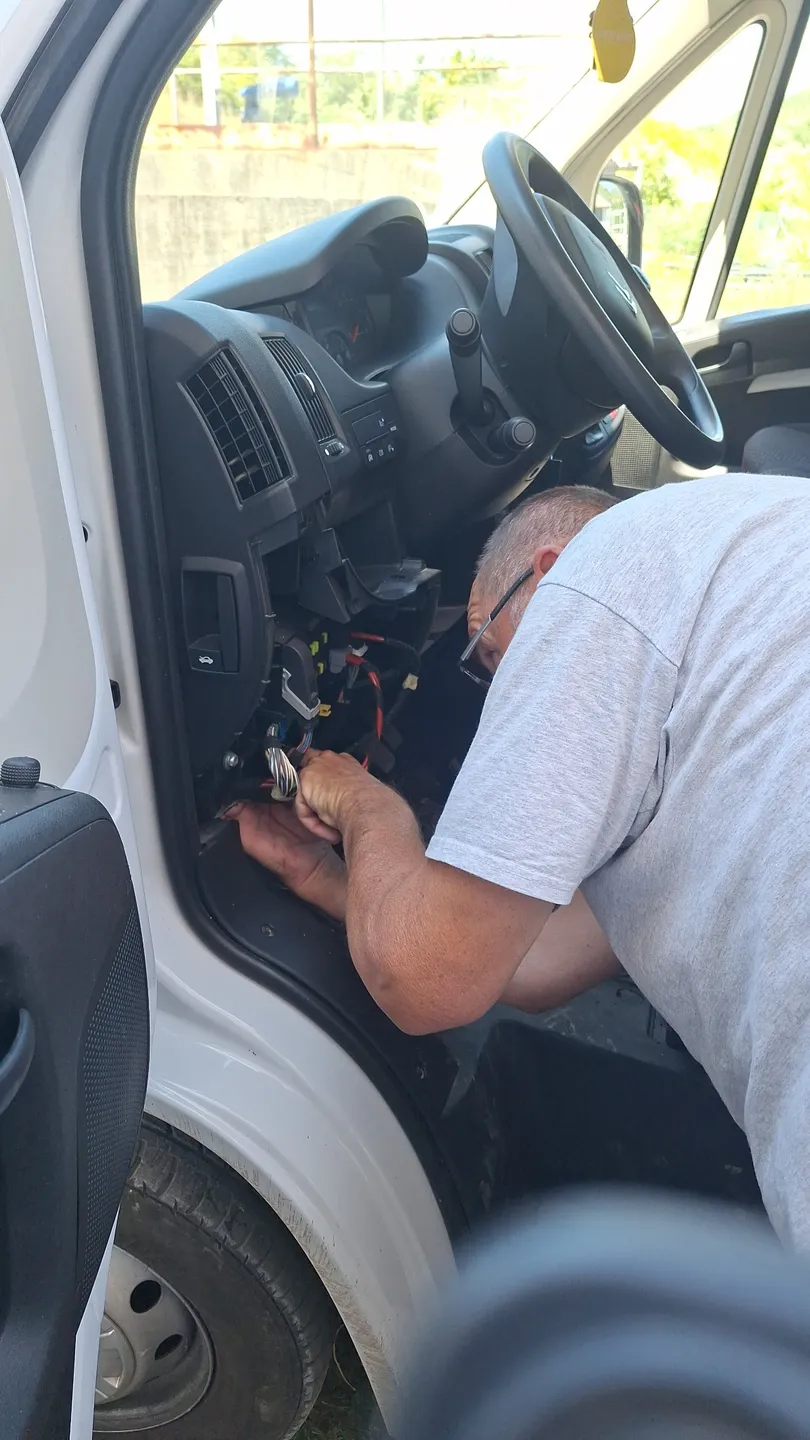
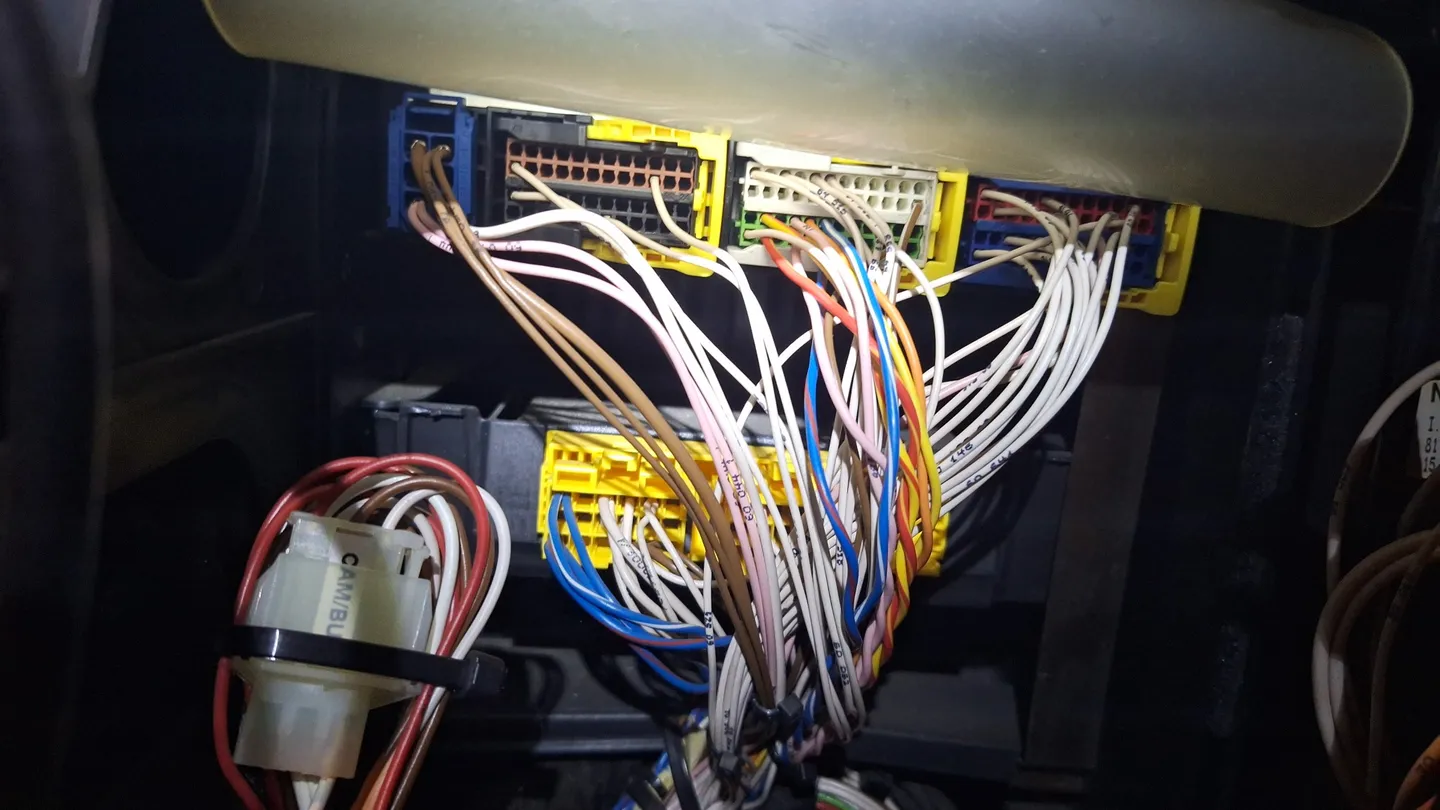
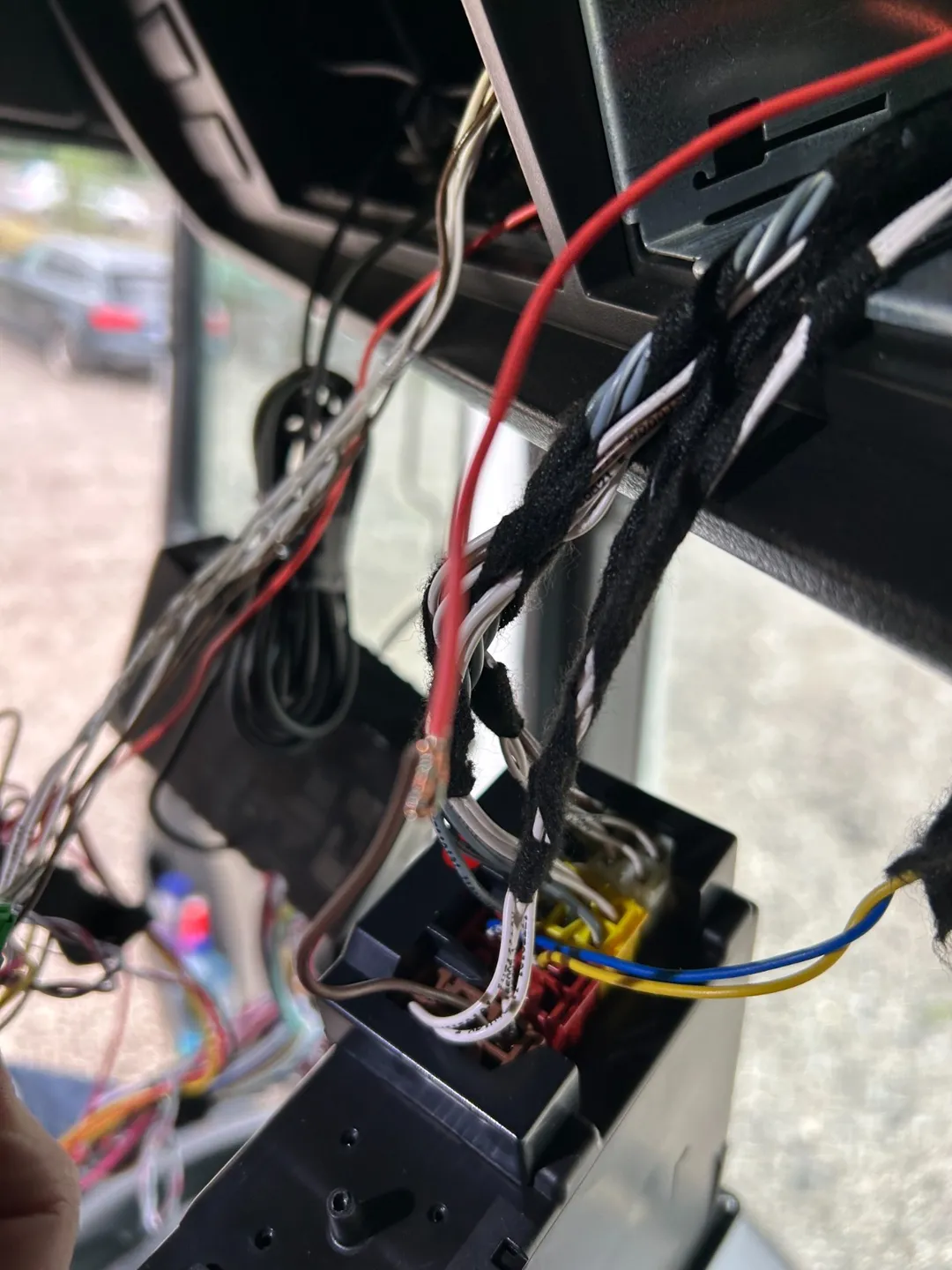
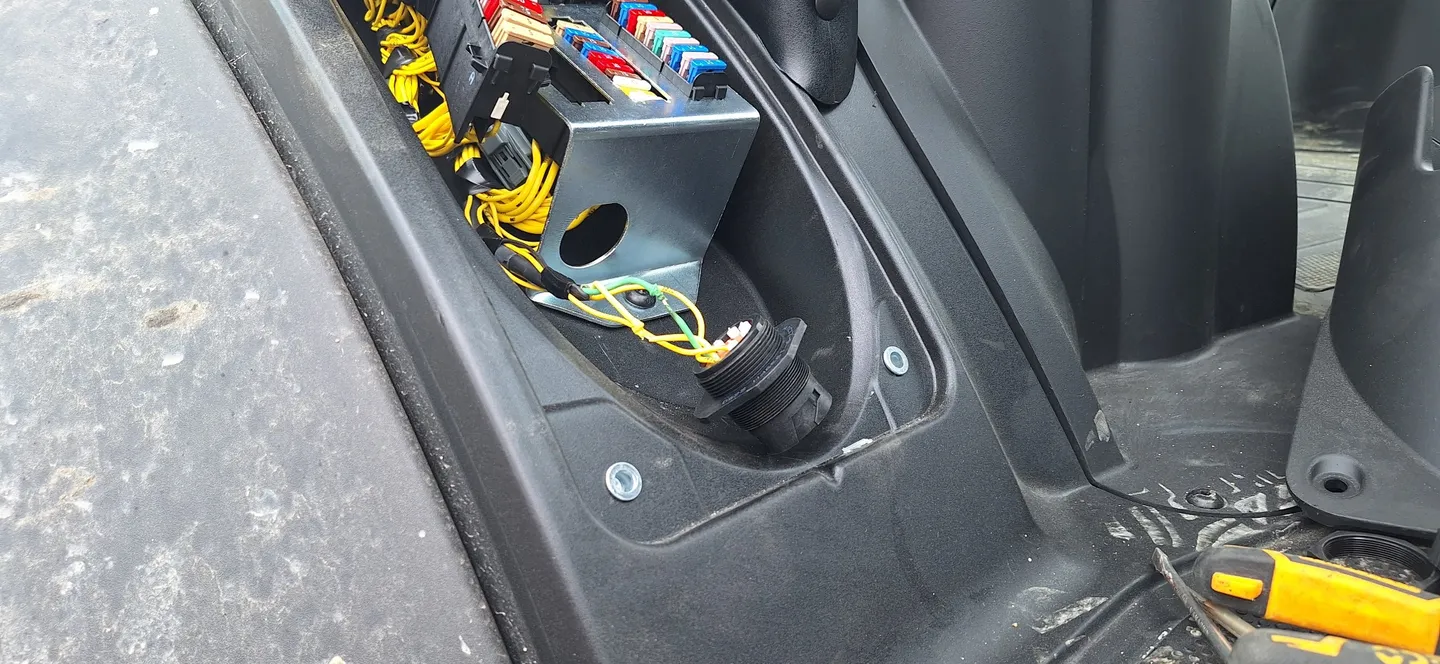
More photos (8)
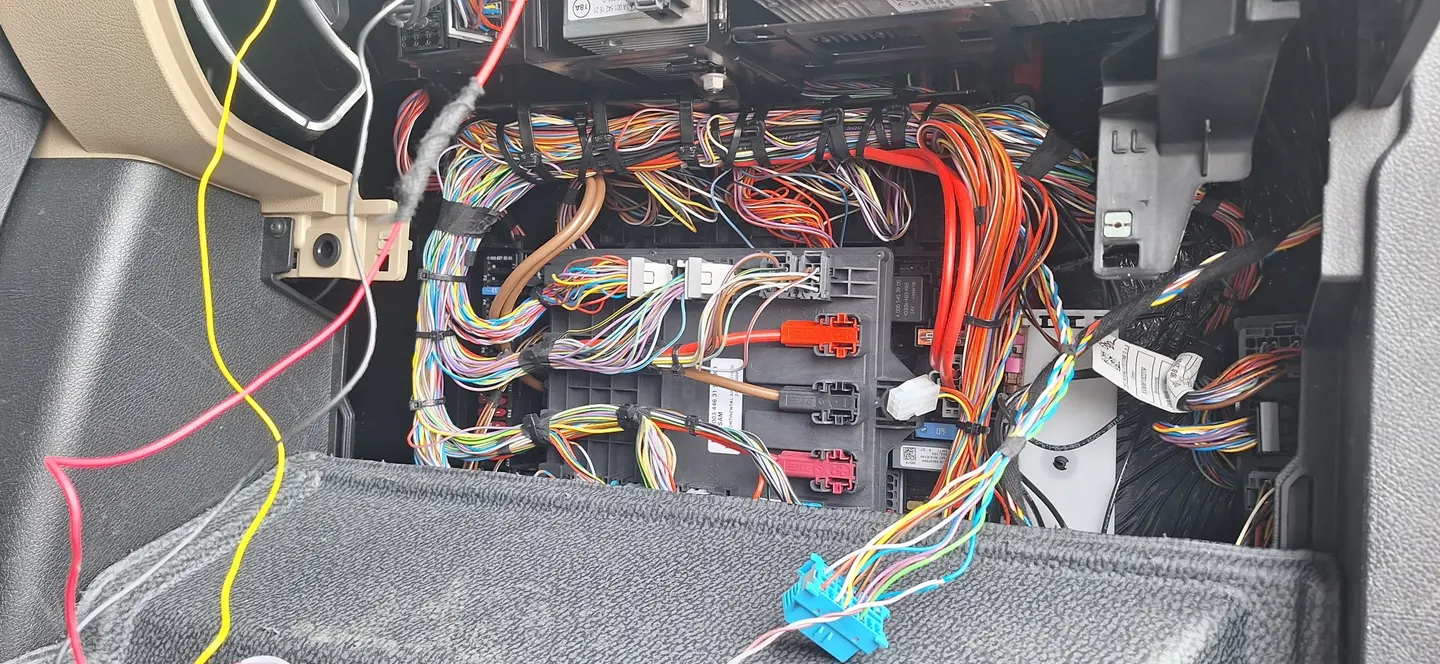
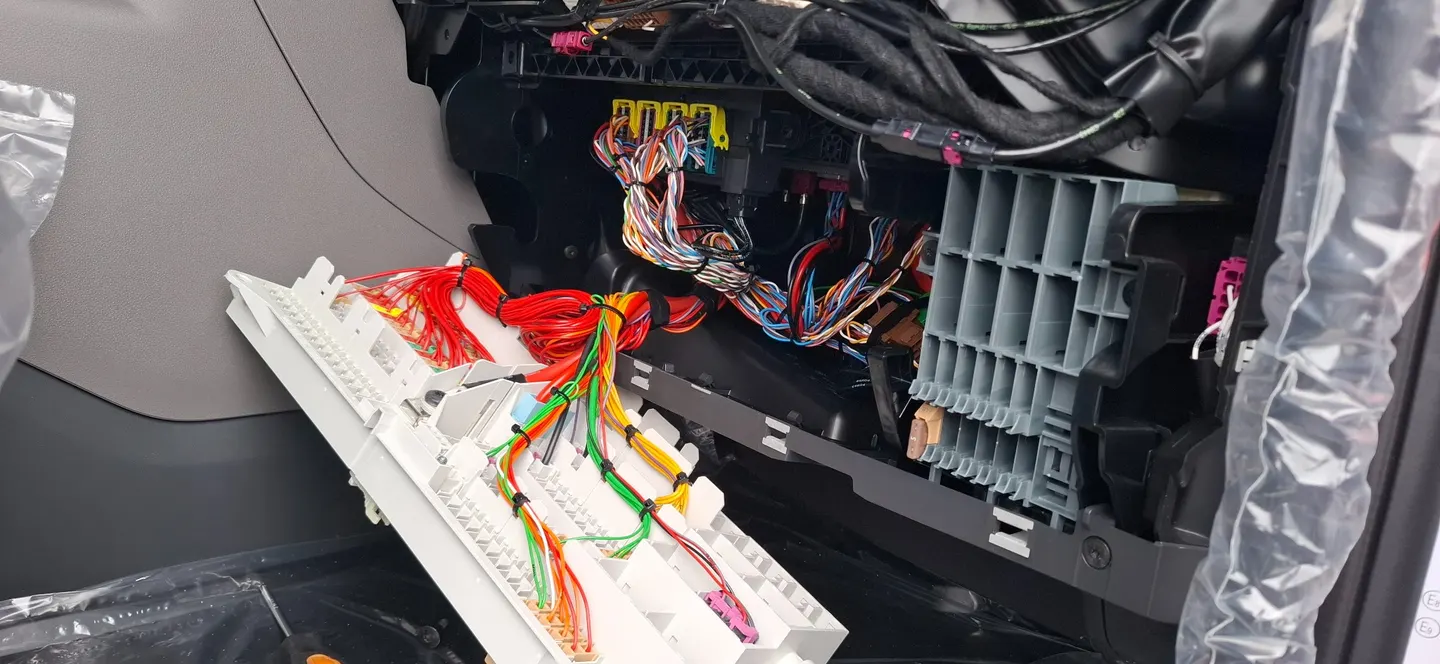
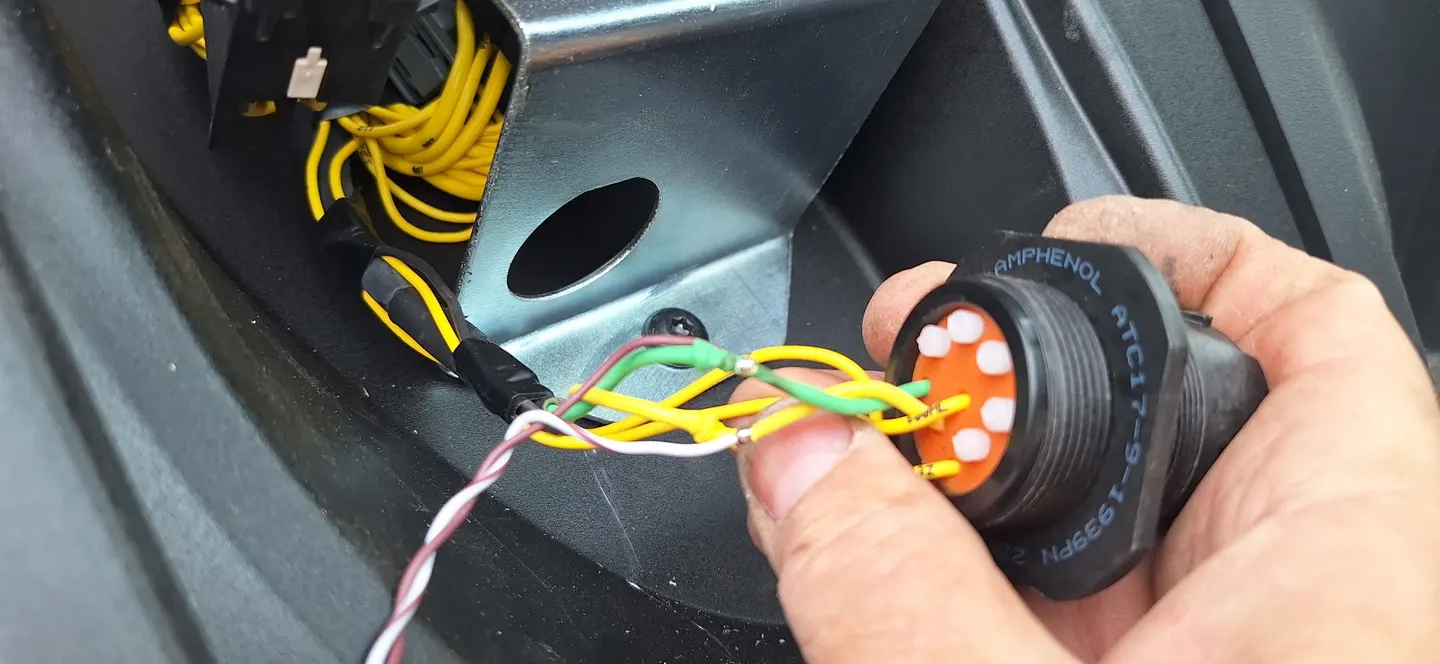
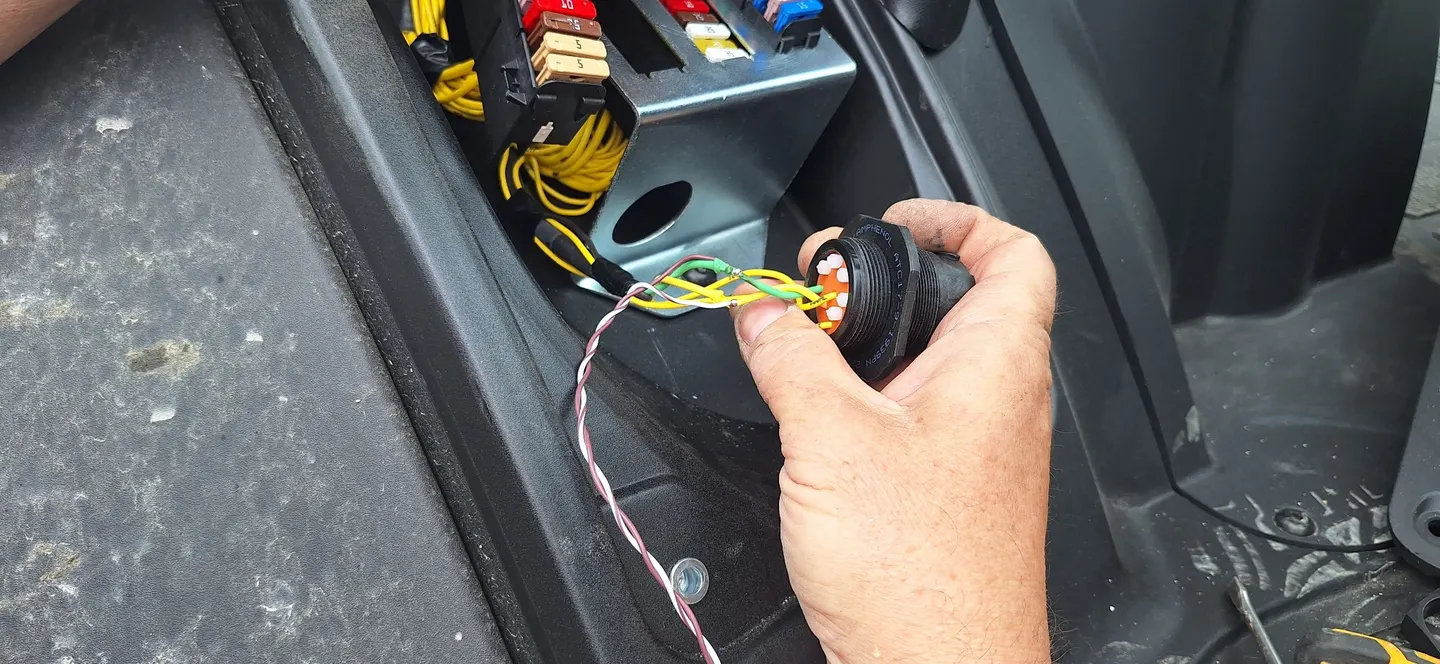
Requirements and quotation
We review vehicle types, fleet size and the information you need, then prepare an equipment and service proposal.
Installation and setup
We arrange installation, configure access and supported reports, and explain how to use the chosen functions.
Decide who will use the information
Before initial configuration, identify the person responsible for vehicle records and the users who need access to the available views. A dispatcher may focus on locations and stops, while the fleet manager checks fuel and maintenance. Specify which events require a response and who reviews them. This aligns supported reports and alerts with real tasks, so each user knows which information to review and when to act.
Check the first data and the everyday workflow
When a vehicle is connected, check its identification, available location and the time of the last reading. Additional functions are checked against the agreed equipment, whether fuel readings, a sensor or a tachograph connection. Prepare an example event or report you want to review. If your working process changes or another vehicle is added, check the required functions and settings again: the review should reflect the new vehicle, equipment and task.